Turn Any Topic into a Ready-to-Present PowerPoint – Automatically
Stop staring at blank slides. With Powerdrill Bloom, you simply enter a topic and let AI handle the research, structure, and slide creation for you. Bloom searches, analyzes, and explores relevant information, then turns the results into a polished slide deck with insights, summaries, and data-backed charts. From idea to presentation in minutes – not hours.
Turn Any Topic into a Ready-to-Present PowerPoint – Automatically
Stop staring at blank slides. With Powerdrill Bloom, you simply enter a topic and let AI handle the research, structure, and slide creation for you. Bloom searches, analyzes, and explores relevant information, then turns the results into a polished slide deck with insights, summaries, and data-backed charts. From idea to presentation in minutes – not hours.

From Topic to Structured Storyline
Most tools give you slides; Powerdrill Bloom gives you a narrative. Once you enter a topic, Powerdrill Bloom doesn’t just collect information – it organizes it into a clear, logical flow that feels like a real presentation outline. Introduction, key points, supporting details, and takeaway insights are automatically structured for you. You get a coherent story you can present immediately or quickly fine-tune.

From Topic to Structured Storyline
Most tools give you slides; Powerdrill Bloom gives you a narrative. Once you enter a topic, Powerdrill Bloom doesn’t just collect information – it organizes it into a clear, logical flow that feels like a real presentation outline. Introduction, key points, supporting details, and takeaway insights are automatically structured for you. You get a coherent story you can present immediately or quickly fine-tune.
Built-In AI Research and Exploration
Powerdrill Bloom goes beyond surface-level text generation. It intelligently searches and analyzes related information around your topic, exploring different angles, key questions, and supporting evidence. This means you’re not just getting slides filled with generic content, but a deck grounded in synthesized insights. You spend less time chasing sources and more time refining your message and decisions.

Built-In AI Research and Exploration
Powerdrill Bloom goes beyond surface-level text generation. It intelligently searches and analyzes related information around your topic, exploring different angles, key questions, and supporting evidence. This means you’re not just getting slides filled with generic content, but a deck grounded in synthesized insights. You spend less time chasing sources and more time refining your message and decisions.
Data-Backed Charts in One Click
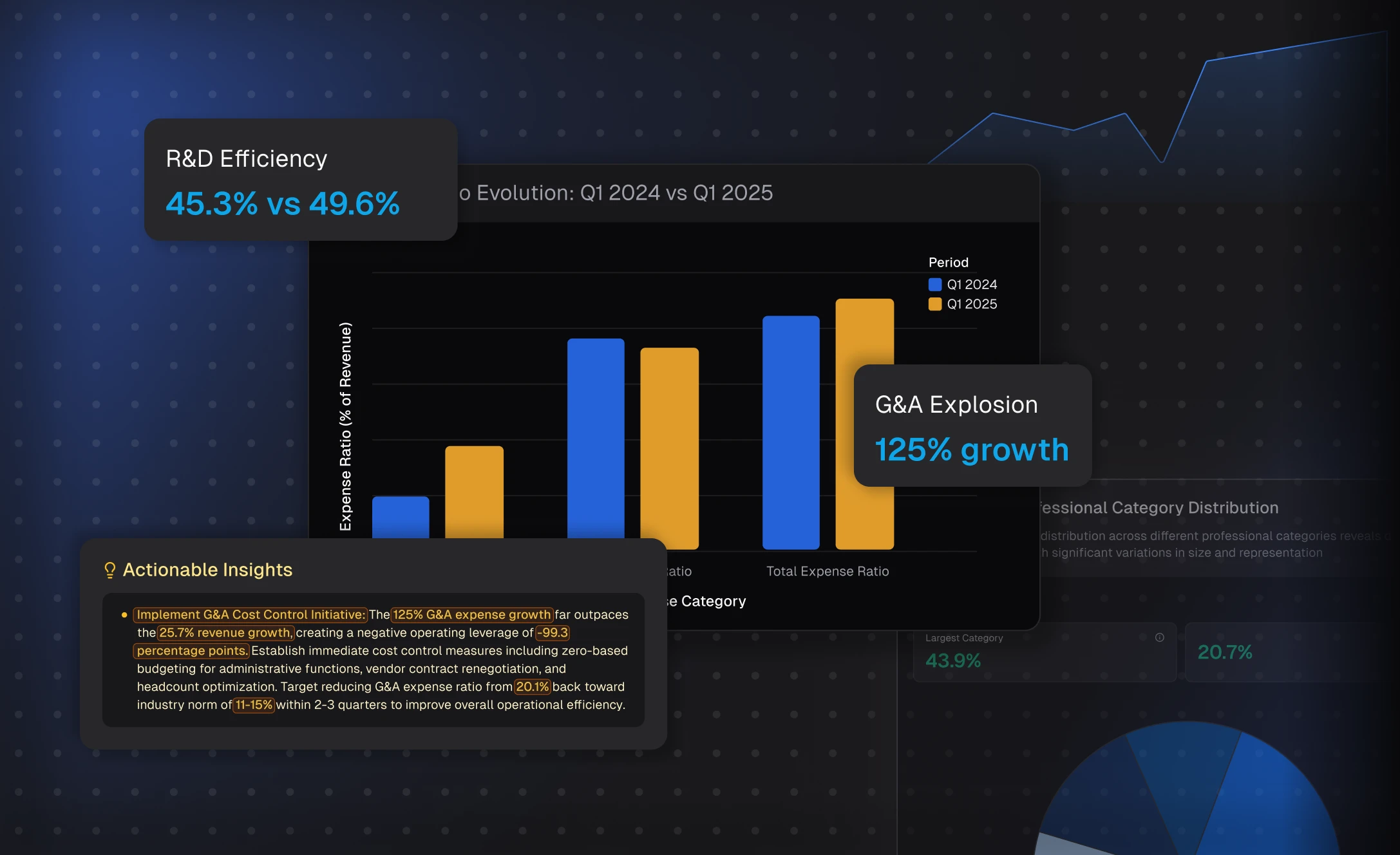
Presentations are stronger with data – Bloom makes that part effortless. As it explores your topic, Powerdrill Bloom identifies important metrics and relationships, then automatically turns them into charts and visual elements. Instead of manually designing and formatting visuals, you get ready-to-use, data-backed charts that make your slides more convincing and easier to understand. Update or regenerate in seconds if you want to explore alternative views.
Data-Backed Charts in One Click
Presentations are stronger with data – Bloom makes that part effortless. As it explores your topic, Powerdrill Bloom identifies important metrics and relationships, then automatically turns them into charts and visual elements. Instead of manually designing and formatting visuals, you get ready-to-use, data-backed charts that make your slides more convincing and easier to understand. Update or regenerate in seconds if you want to explore alternative views.
How it works
1
Enter Your Topic
After signing in/up, enter your topic.
1
Enter Your Topic
After signing in/up, enter your topic.
2
Choose Exploration Directions
Choose or enter the exploration directions you want Powerdrill Bloom to explore as prompted, and confirm your action.
2
Choose Exploration Directions
Choose or enter the exploration directions you want Powerdrill Bloom to explore as prompted, and confirm your action.
3
Generate the Slides
Favorite the nodes you want to include in your slides, choose a theme, and wait for the slides generation complete. After the slides are generated, you can download it anytime. For a more detailed guide, please see the blog article below.
Convert Your Topic into PPT
3
Generate the Slides
Favorite the nodes you want to include in your slides, choose a theme, and wait for the slides generation complete. After the slides are generated, you can download it anytime. For a more detailed guide, please see the blog article below.
Convert Your Topic into PPT
Frequently Asked Questions
What is Powerdrill Bloom?
What are AI data agents in Bloom?
What can I use Bloom for?
Is Bloom free to use?
Where can I try Powerdrill Bloom?
Can Bloom help me create presentations?
Do I need technical or data skills to use Bloom?
What types of data can I upload to Bloom?
What languages does Bloom support?
Can I use Bloom collaboratively with my team?
Is my data secure when using Bloom?
Can I delete my data from Bloom?
More Features
PDF to PPT
Most PDF to PPT tools just copy pages into slides. Powerdrill Bloom does the opposite: it treats your PDF as a source of ideas, not images. Upload your document and Bloom reads the content, explores related data online, and rebuilds everything into a fresh presentation with summarized insights, clear sections, and data-driven charts. You get a deck that’s ready to present – not one you still have to fix.
Excel to PPT
Type a topic or upload files like Excel, CSV, and PDF. Powerdrill Bloom understands your content and builds professional PowerPoint slides automatically.
PDF to Slides
Powerdrill Bloom goes beyond simple file conversion. It understands your Doc content, analyzes key insights, and transforms them into professionally structured presentation slides — complete with narratives, visuals, and clarity. Upload a file, explore ideas with AI, and export a polished PPT in seconds.