Create Stunning Charts from Excel, CSV, or PDF — Instantly with AI
No coding, no design skills. With Powerdrill Bloom, you can turn your data into professional bar, pie, and line charts in seconds. Perfect for reports, dashboards, and presentations — all powered by AI.
Create Stunning Charts from Excel, CSV, or PDF — Instantly with AI
No coding, no design skills. With Powerdrill Bloom, you can turn your data into professional bar, pie, and line charts in seconds. Perfect for reports, dashboards, and presentations — all powered by AI.

AI That Understands Your Data
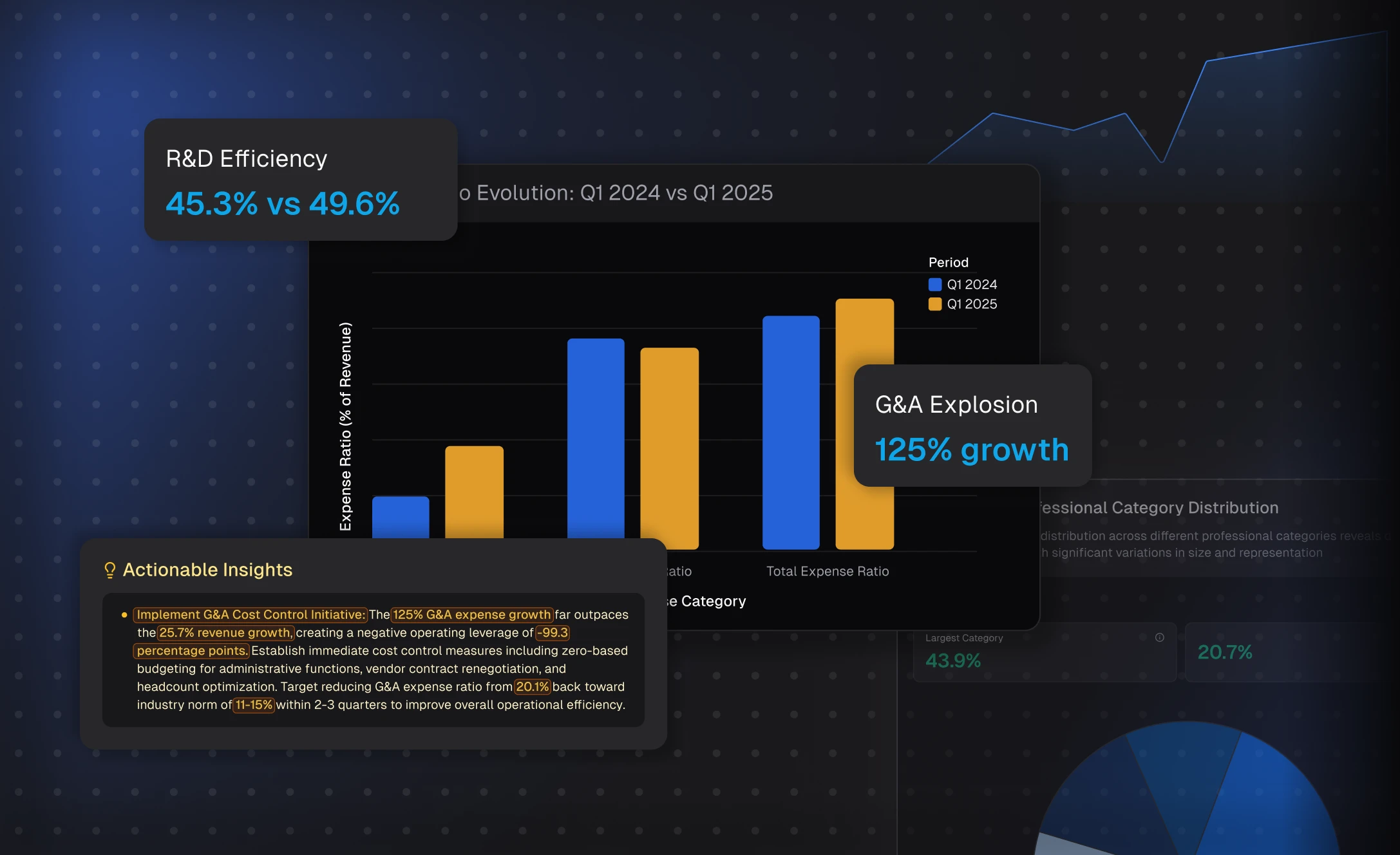
Powerdrill Bloom instantly analyzes your Excel, CSV, or PDF files to uncover key insights and automatically generate the best chart type. No need to tweak settings — Bloom interprets your data like an analyst and turns it into visual stories in seconds.
AI That Understands Your Data
Powerdrill Bloom instantly analyzes your Excel, CSV, or PDF files to uncover key insights and automatically generate the best chart type. No need to tweak settings — Bloom interprets your data like an analyst and turns it into visual stories in seconds.
From Raw Data to Stunning Charts
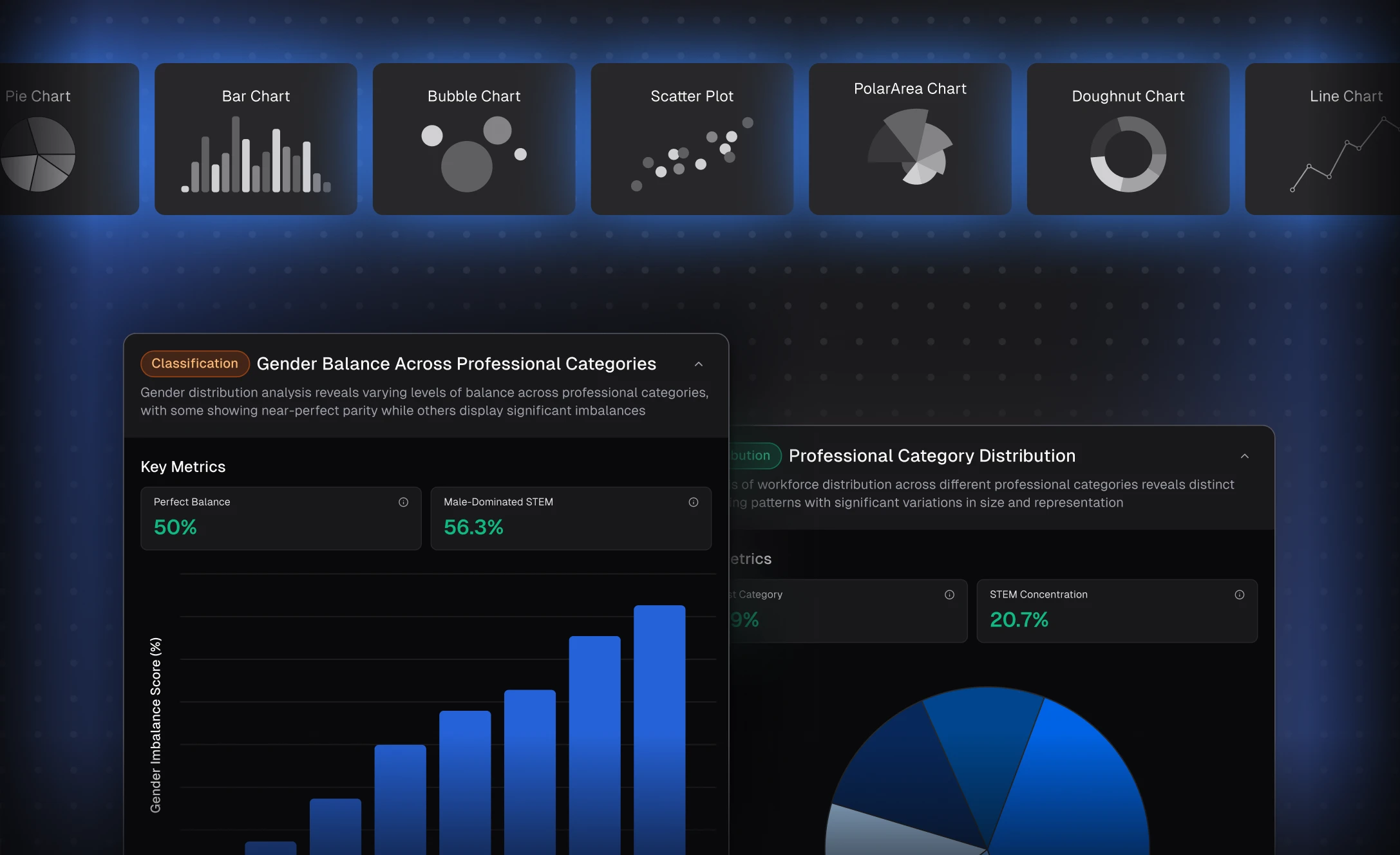
Upload your file, and Bloom transforms numbers into clear, professional visuals — bar charts, pie charts, scatter plots, and more. It’s the fastest way to create presentation-ready charts that make your reports stand out effortlessly.
From Raw Data to Stunning Charts
Upload your file, and Bloom transforms numbers into clear, professional visuals — bar charts, pie charts, scatter plots, and more. It’s the fastest way to create presentation-ready charts that make your reports stand out effortlessly.
Designed for Speed, Clarity, and Results
Built for professionals and beginners alike, Powerdrill Bloom saves hours of manual work while ensuring every chart is accurate and impactful. Focus on insights, not formatting — let AI handle the complexity while you tell the story behind the data.
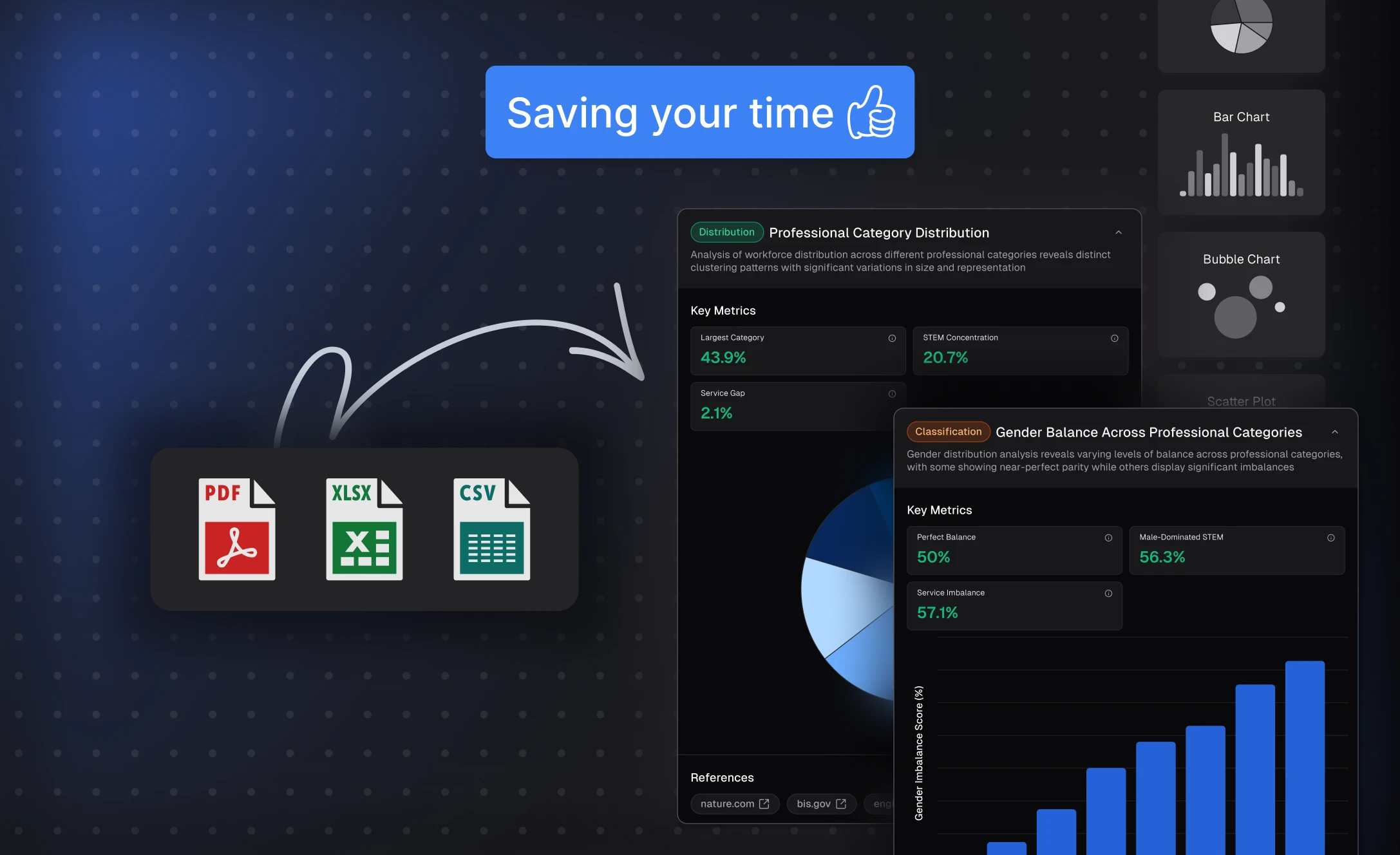
Designed for Speed, Clarity, and Results
Built for professionals and beginners alike, Powerdrill Bloom saves hours of manual work while ensuring every chart is accurate and impactful. Focus on insights, not formatting — let AI handle the complexity while you tell the story behind the data.
How it works
1
Upload Your Data
After signing in/up, upload your Excel, CSV, or PDF file.
1
Upload Your Data
After signing in/up, upload your Excel, CSV, or PDF file.
2
Explore Your File with AI
Select the directions you want to explore or enter your own ones as prompted.
2
Explore Your File with AI
Select the directions you want to explore or enter your own ones as prompted.
3
Obtain the Generated Graphs
You can turn your exploration results into PPT slides, infographics, or Notion pages — so you can share your charts anywhere, anytime.
Import Insights to Notion
3
Obtain the Generated Graphs
You can turn your exploration results into PPT slides, infographics, or Notion pages — so you can share your charts anywhere, anytime.
Import Insights to Notion
Frequently Asked Questions
What is Powerdrill Bloom?
What are AI data agents in Bloom?
What can I use Bloom for?
Is Bloom free to use?
Where can I try Powerdrill Bloom?
Can Bloom help me create presentations?
Do I need technical or data skills to use Bloom?
What types of data can I upload to Bloom?
What languages does Bloom support?
Can I use Bloom collaboratively with my team?
Is my data secure when using Bloom?
Can I delete my data from Bloom?
More Features
Make Graphs from Excel
Visualize your Excel data as bar, line, or pie charts — no coding or design skills needed. Get clear insights in seconds with Powerdrill Bloom's Data Agents Team.
PDF to Slides
Powerdrill Bloom goes beyond simple file conversion. It understands your Doc content, analyzes key insights, and transforms them into professionally structured presentation slides — complete with narratives, visuals, and clarity. Upload a file, explore ideas with AI, and export a polished PPT in seconds.
Excel AI Assistant
Upload your Excel files and let Powerdrill Bloom do the work. It automatically explores and analyzes your spreadsheets, detects key patterns, and generates actionable insights with clear visualizations—all in seconds.
Also Interesting