Turn Static PDFs into Story-Driven PowerPoint Decks
Most PDF to PPT tools just copy pages into slides. Powerdrill Bloom does the opposite: it treats your PDF as a source of ideas, not images. Upload your document and Bloom reads the content, explores related data online, and rebuilds everything into a fresh presentation with summarized insights, clear sections, and data-driven charts. You get a deck that’s ready to present – not one you still have to fix.
Turn Static PDFs into Story-Driven PowerPoint Decks
Most PDF to PPT tools just copy pages into slides. Powerdrill Bloom does the opposite: it treats your PDF as a source of ideas, not images. Upload your document and Bloom reads the content, explores related data online, and rebuilds everything into a fresh presentation with summarized insights, clear sections, and data-driven charts. You get a deck that’s ready to present – not one you still have to fix.

More Than Conversion: AI Understanding of Your PDF
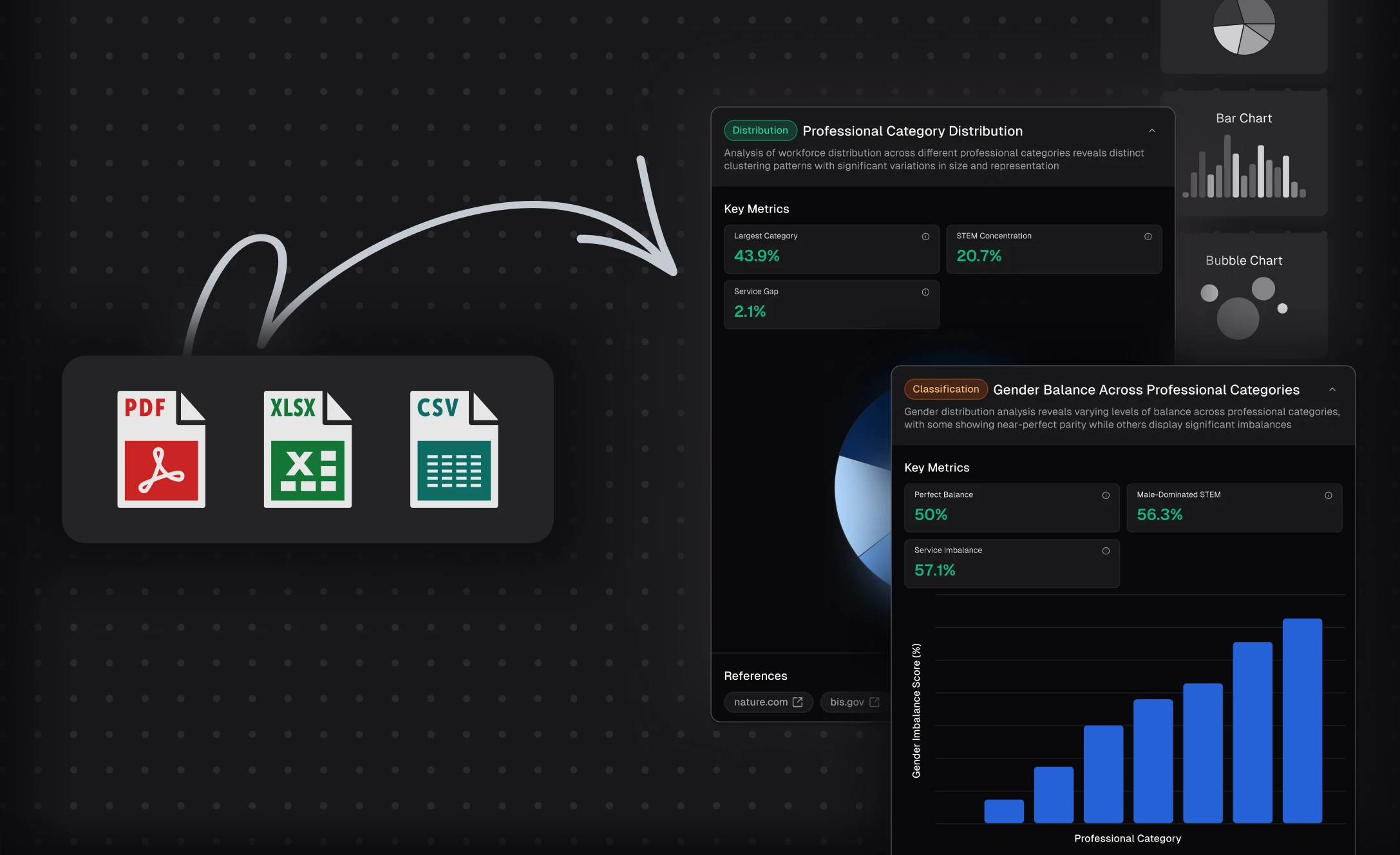
Traditional PDF to PPT tools simply move content from one format to another, page by page. Powerdrill Bloom goes deeper: it actually reads your PDF, identifies the main ideas, and understands the structure and intent behind your document. Instead of slide-sized screenshots, you get rewritten, presentation-ready content. The result is a deck that feels like it was crafted for an audience, not copied from a file.
More Than Conversion: AI Understanding of Your PDF
Traditional PDF to PPT tools simply move content from one format to another, page by page. Powerdrill Bloom goes deeper: it actually reads your PDF, identifies the main ideas, and understands the structure and intent behind your document. Instead of slide-sized screenshots, you get rewritten, presentation-ready content. The result is a deck that feels like it was crafted for an audience, not copied from a file.
Built-In Research and Insight Generation
Powerdrill Bloom doesn’t stop at your PDF; it enriches it. After analyzing your document, it searches for related information online to fill gaps, validate points, and surface useful context. This allows the AI to highlight key takeaways, trends, and comparisons that may not be explicitly spelled out in the original PDF. You end up with a presentation that tells a stronger story, backed by synthesized insights rather than raw text.

Built-In Research and Insight Generation
Powerdrill Bloom doesn’t stop at your PDF; it enriches it. After analyzing your document, it searches for related information online to fill gaps, validate points, and surface useful context. This allows the AI to highlight key takeaways, trends, and comparisons that may not be explicitly spelled out in the original PDF. You end up with a presentation that tells a stronger story, backed by synthesized insights rather than raw text.
Auto-Created Charts and Visual Storytelling
Presentations are easier to follow when data is visual. As Powerdrill Bloom processes your PDF and related information, it detects numbers, metrics, and relationships that are better shown as charts. It then automatically suggests or generates visuals like bar charts, line charts, and comparison tables to support your narrative. Instead of manually building every visual from scratch, you start with a slide deck already filled with data-backed charts you can quickly tweak and present.

Auto-Created Charts and Visual Storytelling
Presentations are easier to follow when data is visual. As Powerdrill Bloom processes your PDF and related information, it detects numbers, metrics, and relationships that are better shown as charts. It then automatically suggests or generates visuals like bar charts, line charts, and comparison tables to support your narrative. Instead of manually building every visual from scratch, you start with a slide deck already filled with data-backed charts you can quickly tweak and present.
How it works
1
Upload Your PDF
After signing in to Powerdrill Bloom, choose the agent you want, and click "Start Upload".
1
Upload Your PDF
After signing in to Powerdrill Bloom, choose the agent you want, and click "Start Upload".
2
Explore Your PDF with AI
Confirm or enter directions you want Powerdrill Bloom to explore, and click "Confirm".
2
Explore Your PDF with AI
Confirm or enter directions you want Powerdrill Bloom to explore, and click "Confirm".
3
Generate the Slides
Favorite the nodes you want to include in your slides, choose a theme, and wait for the slides generation complete. After the slides are generated, you can download it anytime. For a more detailed guide, please see the blog article below.
Convert PDF to PPT
3
Generate the Slides
Favorite the nodes you want to include in your slides, choose a theme, and wait for the slides generation complete. After the slides are generated, you can download it anytime. For a more detailed guide, please see the blog article below.
Convert PDF to PPT
Frequently Asked Questions
What is Powerdrill Bloom?
What are AI data agents in Bloom?
What can I use Bloom for?
Is Bloom free to use?
Where can I try Powerdrill Bloom?
Can Bloom help me create presentations?
Do I need technical or data skills to use Bloom?
What types of data can I upload to Bloom?
What languages does Bloom support?
Can I use Bloom collaboratively with my team?
Is my data secure when using Bloom?
Can I delete my data from Bloom?
More Features
Make Graphs from Excel
Visualize your Excel data as bar, line, or pie charts — no coding or design skills needed. Get clear insights in seconds with Powerdrill Bloom's Data Agents Team.
AI Insights Generator
Just choose a topic or upload your file, and Powerdrill Bloom will handle the rest — analyzing your data, uncovering insights, visualizing results, and turning them into ready-to-use reports and infographics.
PDF to Slides
Powerdrill Bloom goes beyond simple file conversion. It understands your Doc content, analyzes key insights, and transforms them into professionally structured presentation slides — complete with narratives, visuals, and clarity. Upload a file, explore ideas with AI, and export a polished PPT in seconds.