From Topic to Actionable Insights — All Automated by AI
Just choose a topic or upload your file, and Powerdrill Bloom will handle the rest — analyzing your data, uncovering insights, visualizing results, and turning them into ready-to-use reports and infographics.
From Topic to Actionable Insights — All Automated by AI
Just choose a topic or upload your file, and Powerdrill Bloom will handle the rest — analyzing your data, uncovering insights, visualizing results, and turning them into ready-to-use reports and infographics.
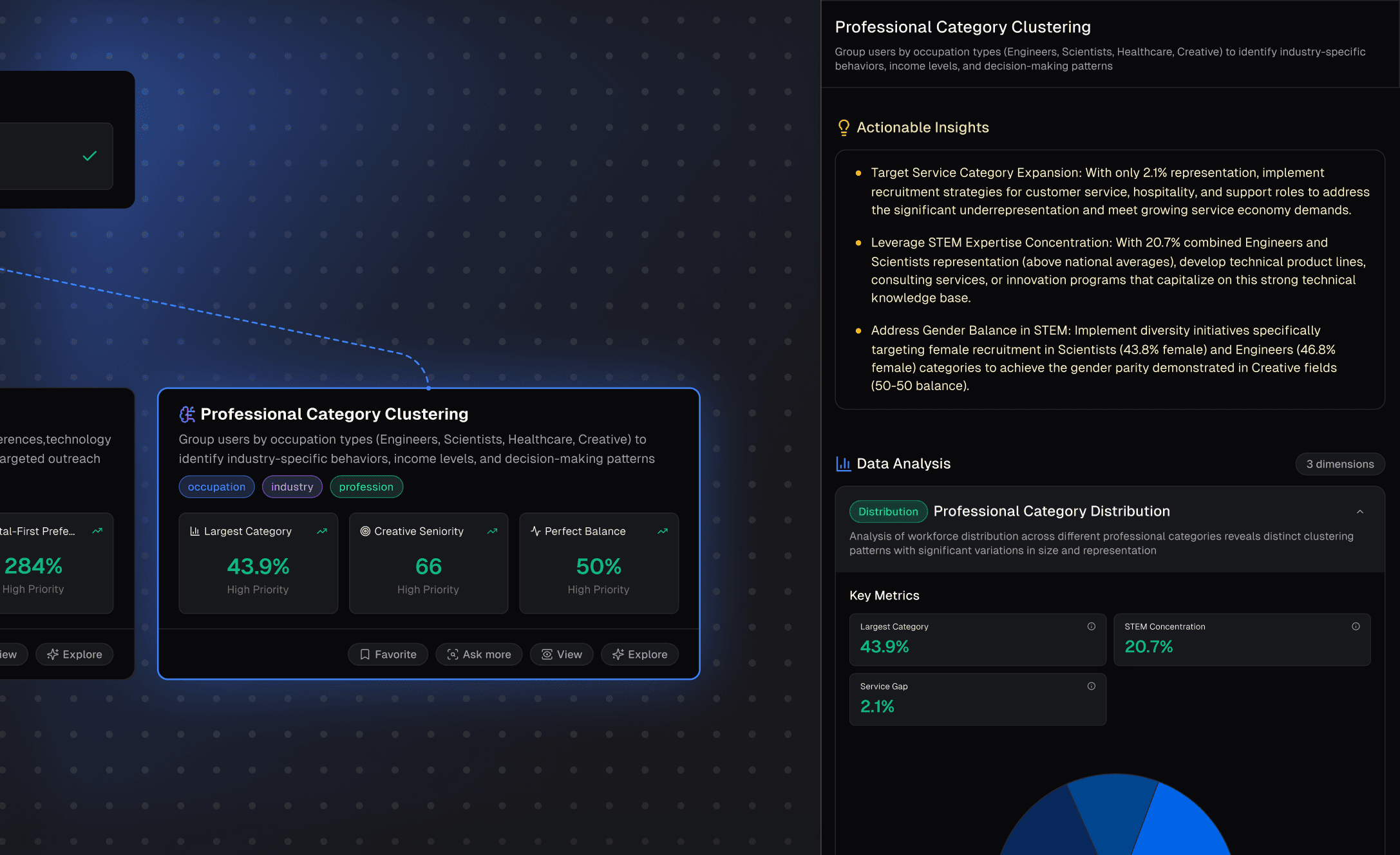
AI-Powered Exploration
From topic to insight — Powerdrill Bloom automatically analyzes your data, explores hidden patterns, and highlights what matters most. No queries, coding, or setup required.
AI-Powered Exploration
From topic to insight — Powerdrill Bloom automatically analyzes your data, explores hidden patterns, and highlights what matters most. No queries, coding, or setup required.
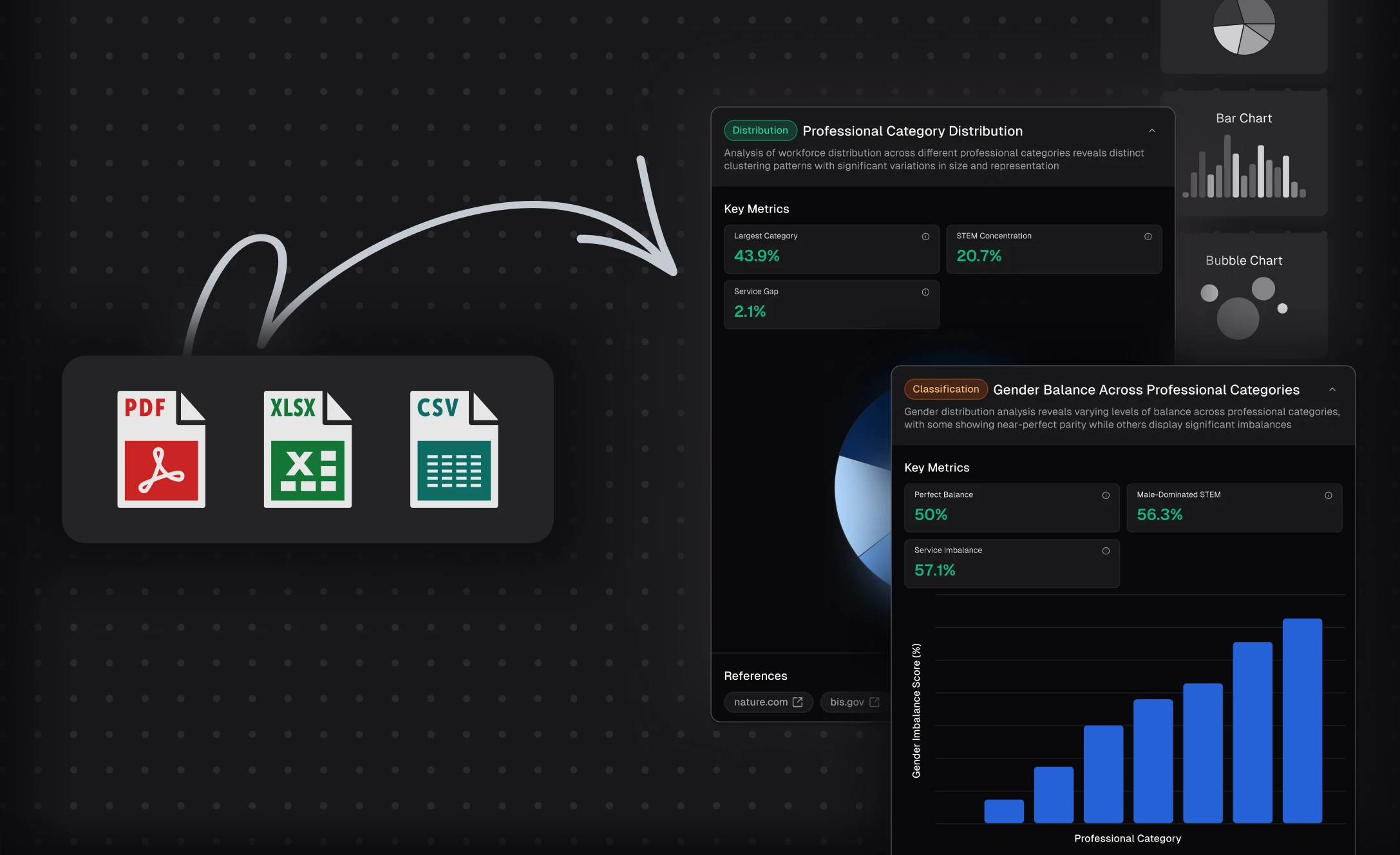
Visual Intelligence in Action
Powerdrill Bloom turns complex data into beautiful, easy-to-understand visuals. Instantly generate charts, dashboards, and summaries that reveal trends and insights at a glance.
Visual Intelligence in Action
Powerdrill Bloom turns complex data into beautiful, easy-to-understand visuals. Instantly generate charts, dashboards, and summaries that reveal trends and insights at a glance.
Shareable, Ready-to-Use Outputs
Transform your insights into polished outputs — export them as PowerPoint slides, infographics, or embed them directly into Notion. Bloom makes it effortless to communicate insights and drive action.
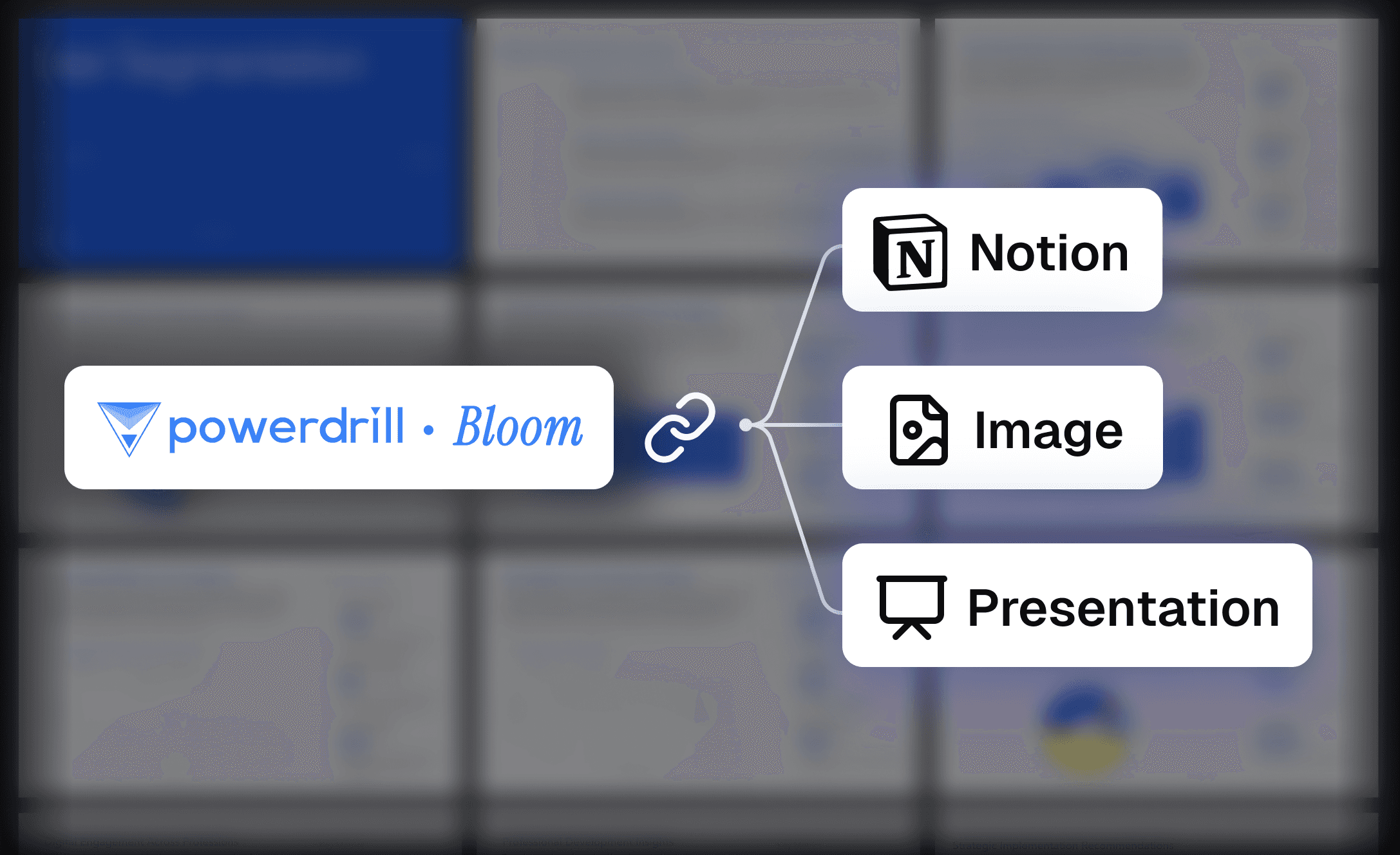
Shareable, Ready-to-Use Outputs
Transform your insights into polished outputs — export them as PowerPoint slides, infographics, or embed them directly into Notion. Bloom makes it effortless to communicate insights and drive action.
How it works
1
Enter Your Topic or Upload File
After signing in/up to Powerdrill Bloom, enter your topic or upload your file, and click "Start Blooming".
1
Enter Your Topic or Upload File
After signing in/up to Powerdrill Bloom, enter your topic or upload your file, and click "Start Blooming".
2
Get Exploration Results
Click "View" on the card that you're interested in to check the anlysis overview, click "Advanced Insights" to unlock the full exploration results.
2
Get Exploration Results
Click "View" on the card that you're interested in to check the anlysis overview, click "Advanced Insights" to unlock the full exploration results.
3
View Actionable Insights
Check actionable insights in the "Actionable Insights" section, and convert it to PPT, infographic, or Notion page if needed. Following blog provides a step-to-step guide.
Step-by-Step Guide
3
View Actionable Insights
Check actionable insights in the "Actionable Insights" section, and convert it to PPT, infographic, or Notion page if needed. Following blog provides a step-to-step guide.
Step-by-Step Guide
Frequently Asked Questions
What is Powerdrill Bloom?
What are AI data agents in Bloom?
What can I use Bloom for?
Is Bloom free to use?
Where can I try Powerdrill Bloom?
Can Bloom help me create presentations?
Do I need technical or data skills to use Bloom?
What types of data can I upload to Bloom?
What languages does Bloom support?
Can I use Bloom collaboratively with my team?
Is my data secure when using Bloom?
Can I delete my data from Bloom?
More Features
Excel to PPT
Type a topic or upload files like Excel, CSV, and PDF. Powerdrill Bloom understands your content and builds professional PowerPoint slides automatically.
AI for Research
Stop guessing and sifting through endless reports. Powerdrill Bloom leverages billions of real-time data points to accurately pinpoint your next profitable move.
PDF to Slides
Powerdrill Bloom goes beyond simple file conversion. It understands your Doc content, analyzes key insights, and transforms them into professionally structured presentation slides — complete with narratives, visuals, and clarity. Upload a file, explore ideas with AI, and export a polished PPT in seconds.
Also Interesting