Introduction
To identify the true market leaders, I conducted a rigorous, hands-on review of the top 12 AI tools available. I fed them real-world, messy marketing and sales datasets to see not just how they calculate, but how they master the art of Data-Driven Storytelling.
The List: 12 Best AI Excel Tools
Here are the contenders for the 2026 showdown:
Powerdrill Bloom
Microsoft Excel Copilot
ChatGPT
Julius AI
Polymer
Akkio
Zoho Analytics
MonkeyLearn
SheetAI
Formula Bot
Arcwise
Rows
Detailed Review
1. Powerdrill Bloom
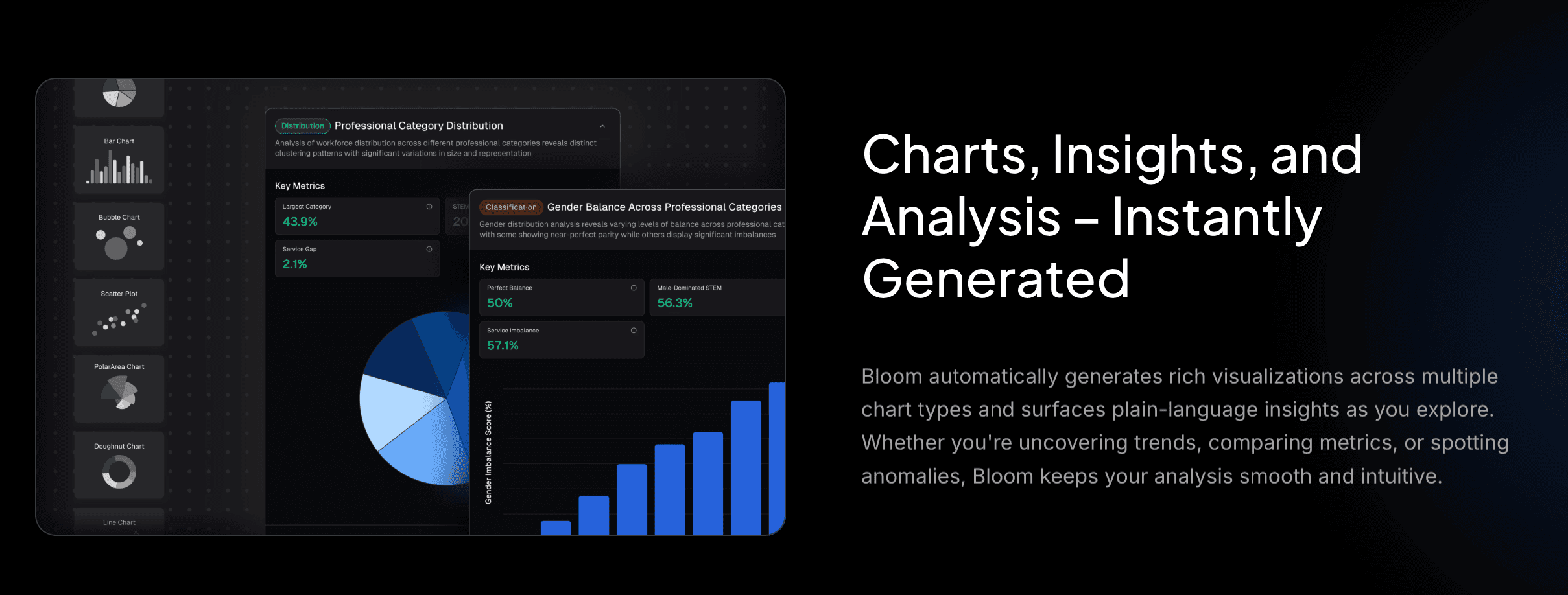
Powerdrill Bloom defines the 2026 standard. It acts as an intelligent agent for deep exploration and visual storytelling, bridging the gap between raw data and executive summaries.
Key Features:
Universal Data Ingestion: Supports Excel, CSV, and PDF with superior Auto-Cleaning capabilities to handle messy datasets.
Nano Banana Pro (The Killer Feature): A proprietary visual engine that generates Professional, Business, or Fancy style Slides and data preview images in real-time.
Deep Insights & Prediction: Goes beyond "what happened" to "what will happen" with trend prediction and complex analysis.
Pros:
Visual Storytelling: Directly solves the pain point of "Death by PowerPoint" by automating slide creation.
Accessibility: Zero coding skills needed.
Cons:
Hardcore VBA coders might prefer specialized coding assistants
Pricing:
Flexible free trial and Pro subscriptions available.
2. Microsoft Excel Copilot
The native AI assistant deeply integrated into the Office 365 ecosystem.
Key Features:
Sidebar integration for formula generation and basic charting.
Pros:
Enterprise-grade security; familiar interface.
Cons:
Visualization is basic; creating a presentation requires jumping between Excel and PowerPoint Copilots.
Pricing:
Monthly subscription.
3. ChatGPT
OpenAI’s powerhouse with Advanced Data Analysis.

Key Features:
Executes Python code to crunch massive datasets.
Pros:
Unmatched logical reasoning and mathematical capabilities.
Cons:
Poor Visualization Workflow. Charts are static images; you cannot edit them or export them directly to a slide deck.
Pricing:
Monthly subscription.
4. Julius AI
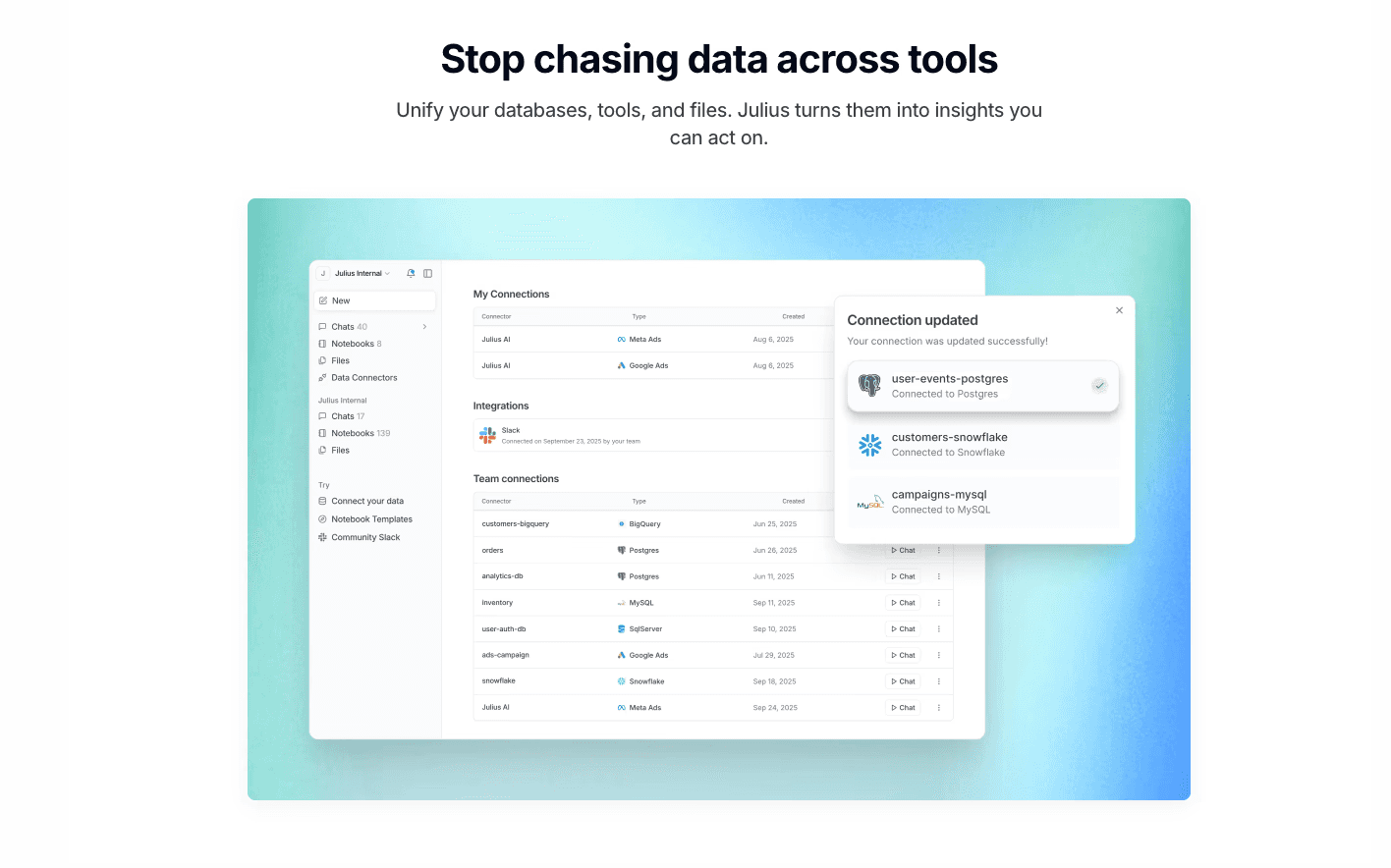
A cloud-based data scientist focusing on Python code generation.
Key Features:
Advanced regression analysis, modeling, and rigorous cleaning.
Pros:
Great for users who want to see the underlying Python code.
Cons:
UI is tech-heavy; lacks "one-click presentation" features for business users.
Pricing:
Monthly subscription.
5. Polymer
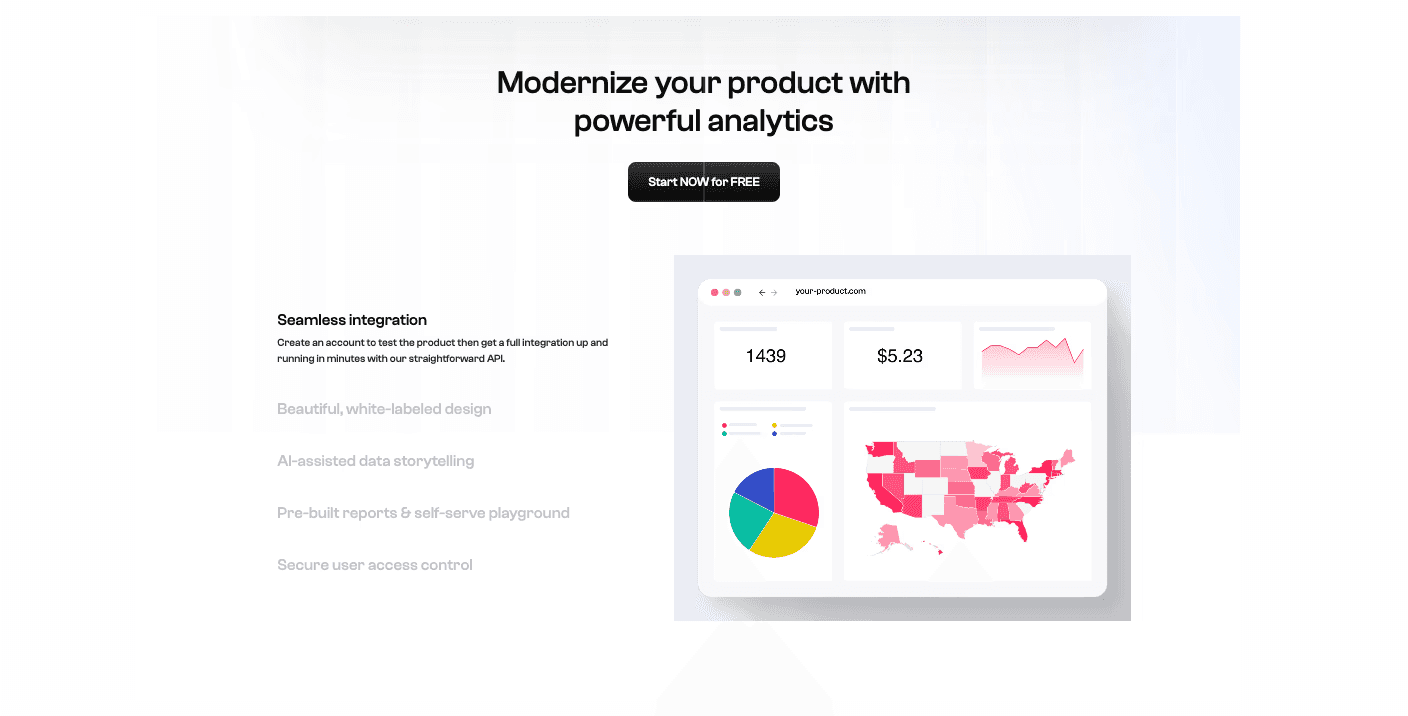
Transforms spreadsheets into interactive, pivot-able dashboards.
Key Features:
AI-driven tagging and data discovery.
Pros:
visually appealing dashboards for e-commerce.
Cons:
Focuses on web dashboards, not downloadable report slides.
Pricing:
Subscription based.
6. Akkio
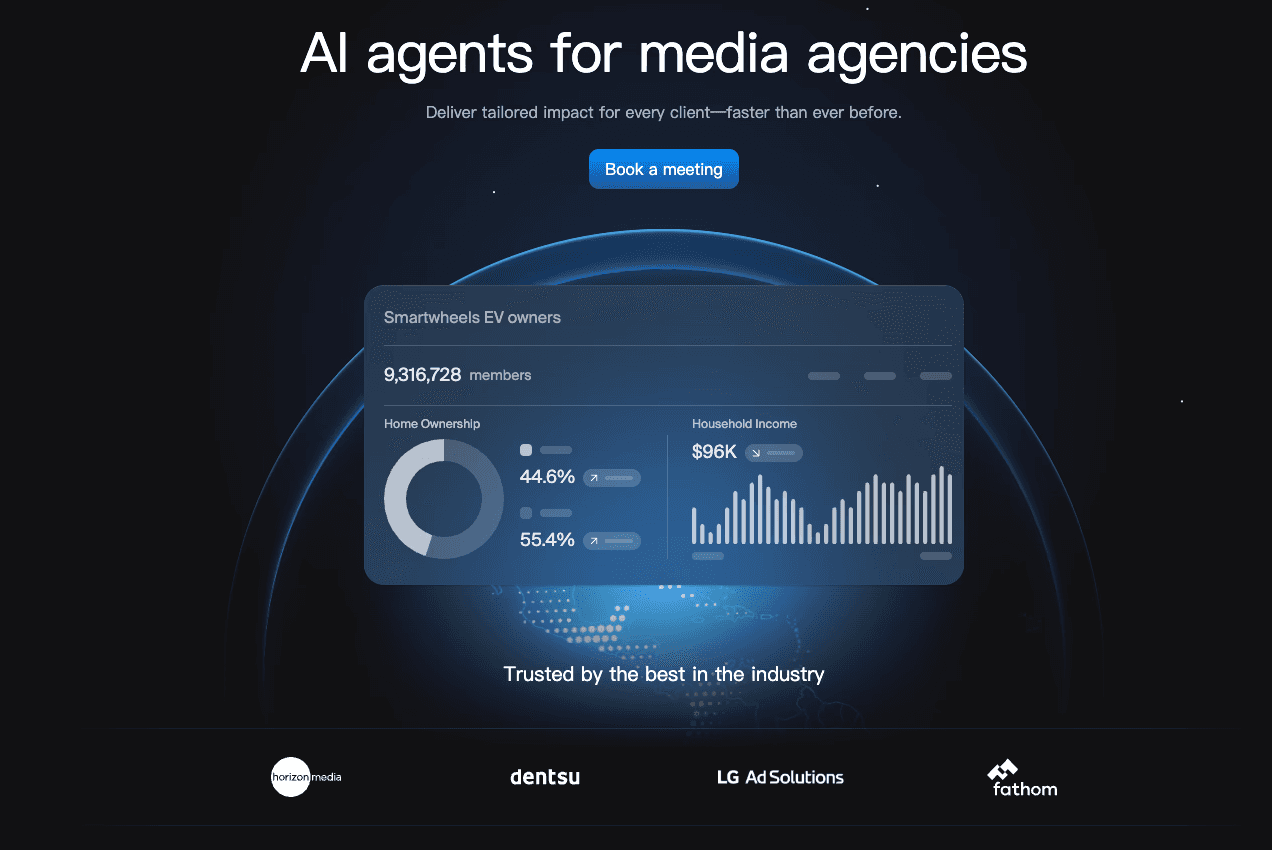
A predictive AI platform tailored for agencies and marketers.
Key Features:
"Chat to Data" and predictive modeling for sales/churn.
Pros:
Makes machine learning accessible to non-techies.
Cons:
Expensive; niche focus on prediction rather than general Excel reporting.
Pricing:
Monthly subscription geared towards SMBs.
7. Zoho Analytics
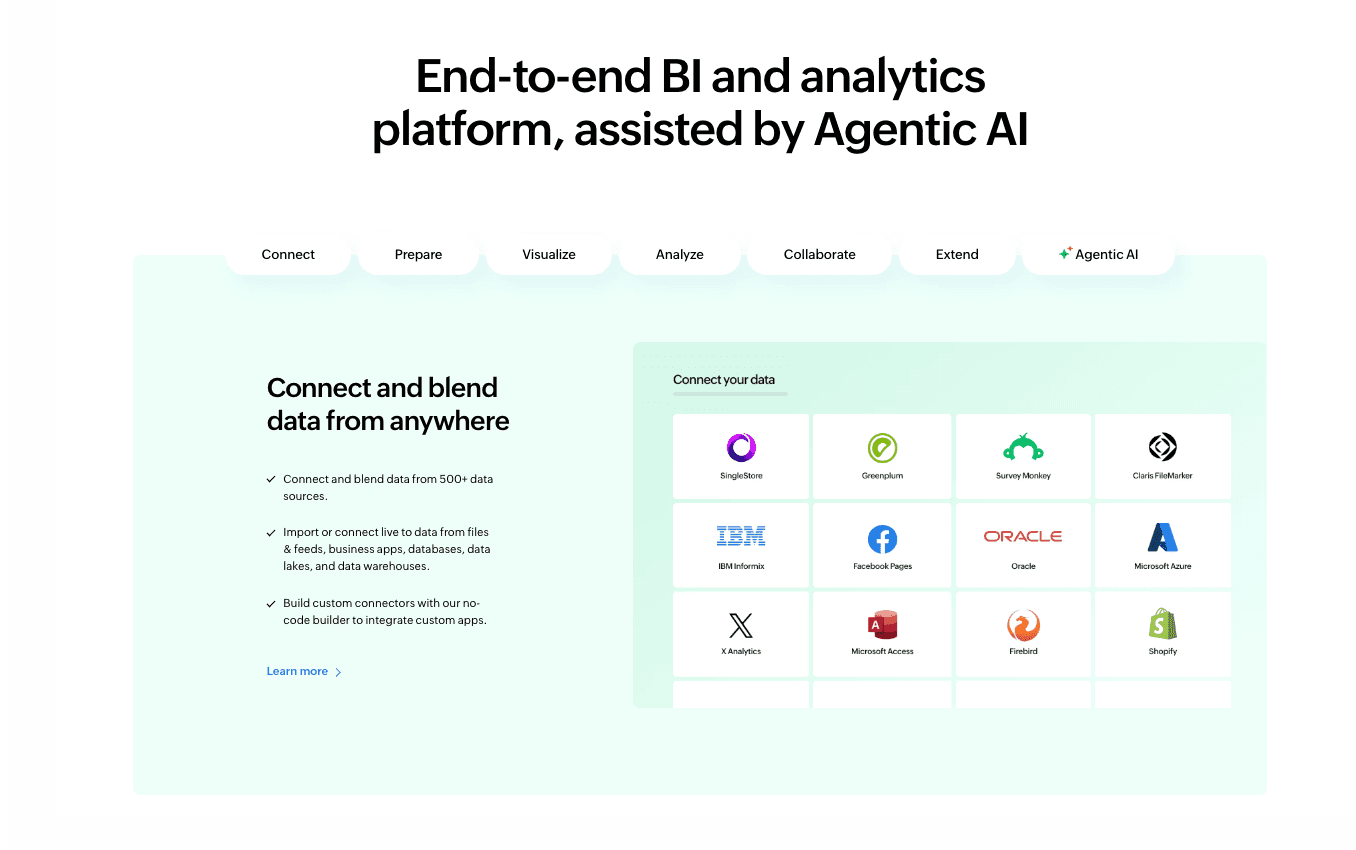
The AI-enhanced version of the traditional BI giant.
Key Features:
Deep data integration from CRM/ERP sources.
Pros:
Extremely powerful for large-scale enterprise reporting.
Cons:
Steep Learning Curve. Too complex for a user wanting quick Excel insights.
Pricing:
Per-user monthly subscription.
8. MonkeyLearn
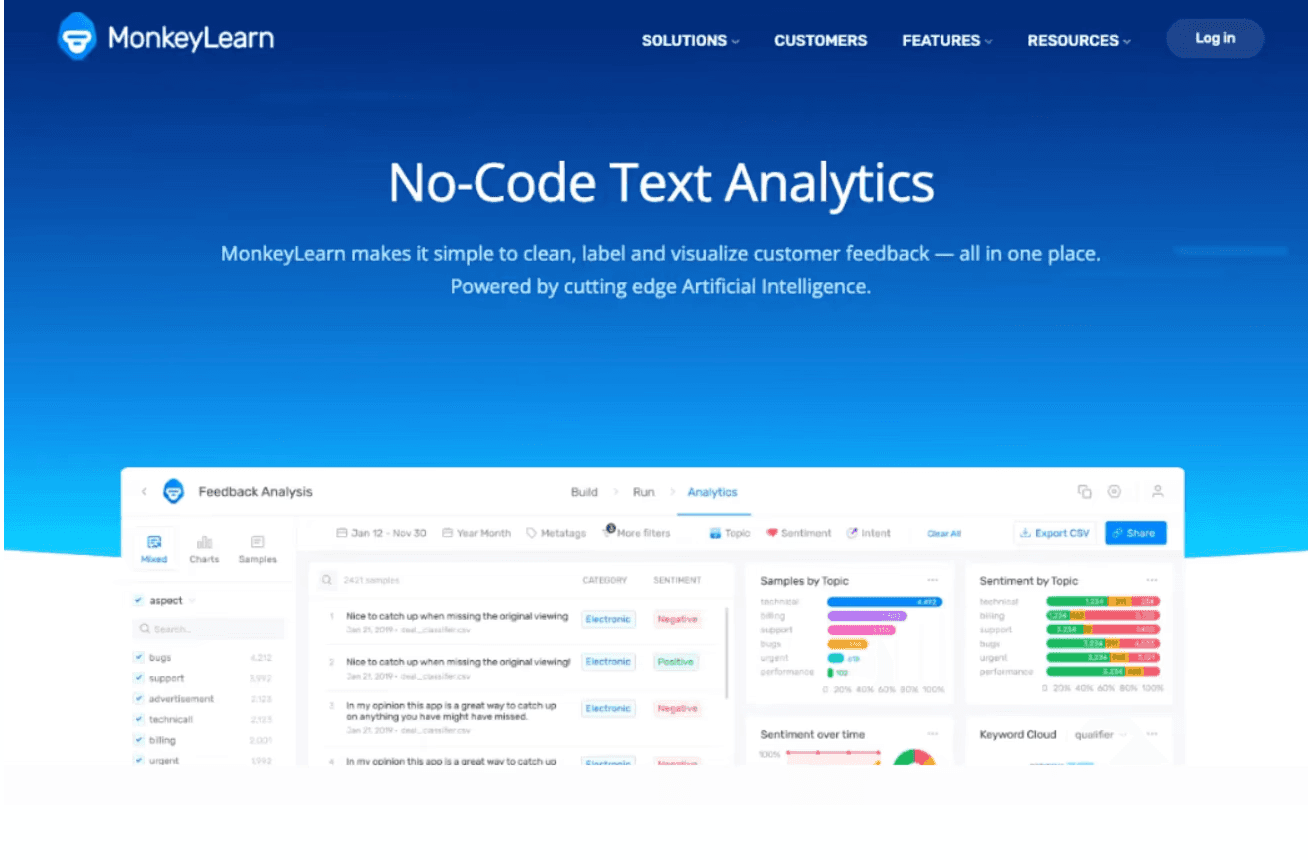
A specialist in Text Analysis and NLP for Excel.
Key Features:
Analyzes sentiment and keywords from customer feedback rows.
Pros:
Excellent for qualitative data cleaning.
Cons:
Cannot handle quantitative financial modeling or visual charting.
Pricing:
Pay-per-use or subscription.
9. SheetAI
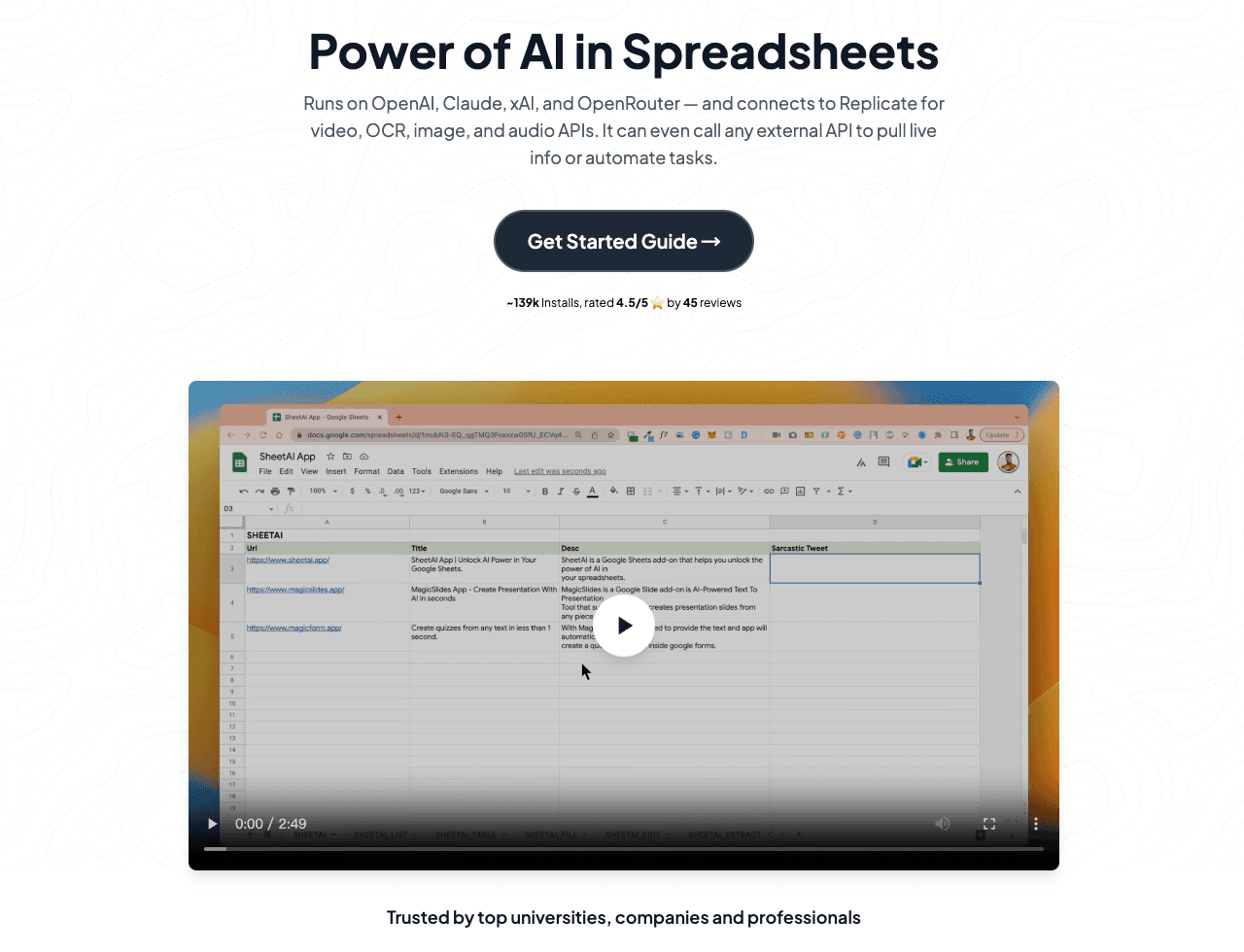
A lightweight add-on for Google Sheets.
Key Features:
Uses GPT to fill in data rows directly in cells.
Pros:
Cheap and convenient for simple list generation.
Cons:
It's a wrapper, not an analytical engine. No visualization.
Pricing:
Pay-per-use or subscription.
10. Formula Bot
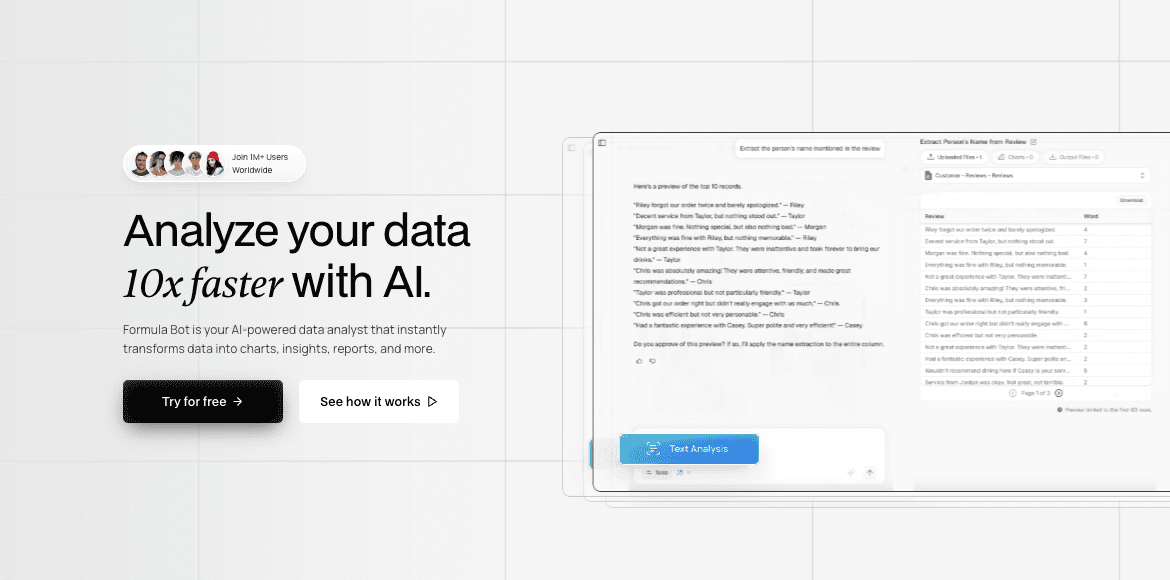
One of the pioneers, famous for translating text to Excel formulas.
Key Features:
Text-to-Formula, Formula-to-Explanation.
Pros:
Solves the specific pain of forgetting syntax instantly.
Cons:
Limited Scope. It doesn't analyze trends or create charts.
Pricing:
Pay-per-use or subscription.
11. Arcwise
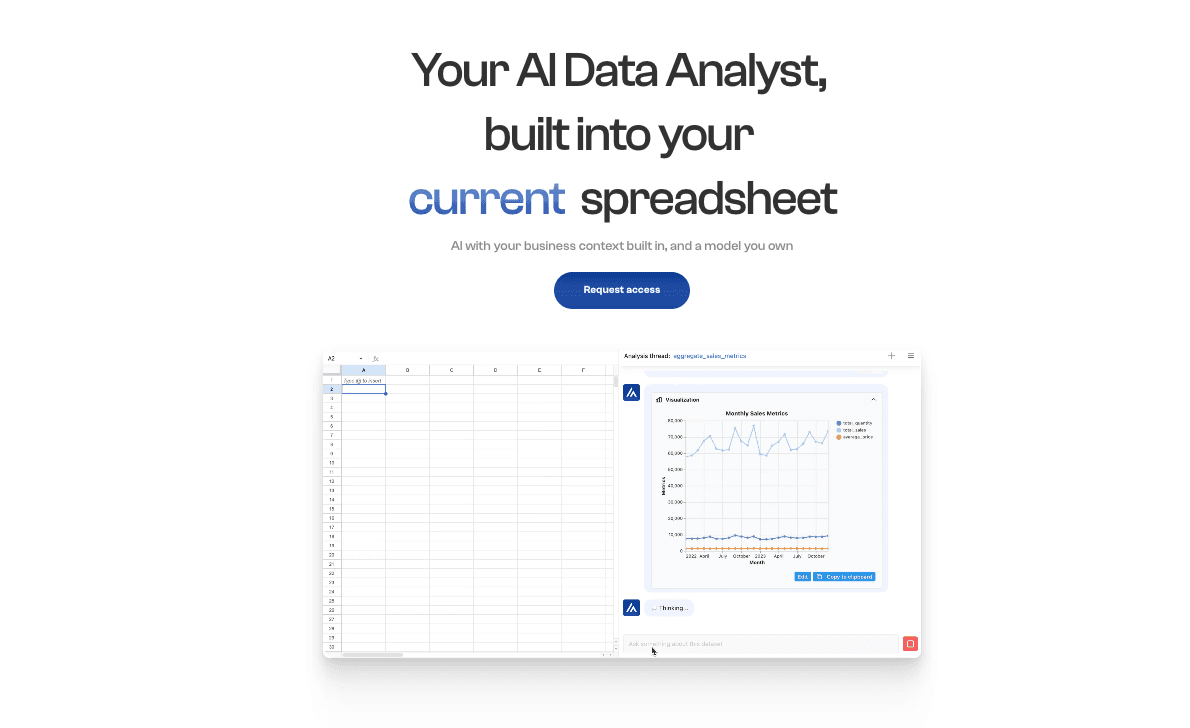
An AI copilot embedded within spreadsheets.
Key Features:
Context-aware data cleaning and table understanding.
Pros:
Understands spreadsheet structure better than generic chatbots.
Cons:
Visual output is weak; mostly stays within the grid.
Pricing:
Limited Beta.
12. Rows
A modern reimagining of the spreadsheet with native AI.
Key Features:
Beautiful UI, built-in data enrichment integrations.
Pros:
superior user experience compared to legacy Excel.
Cons:
Requires migrating data to their platform; weak export-to-slide capabilities.
Pricing:
Pay-per-use or subscription.
Comparison Table
A quick look at how these tools stack up across critical business dimensions:
Tool Name | Excel Data Cleaning | Visual Storytelling (Slides Gen) | NLP Interaction | Ease of Use |
Powerdrill Bloom | ⭐⭐⭐⭐⭐ | ⭐⭐⭐⭐⭐ (Nano Banana Pro) | ⭐⭐⭐ | High |
Microsoft Copilot | ⭐⭐⭐⭐ | ⭐⭐⭐ | ⭐⭐⭐ | High |
ChatGPT | ⭐⭐⭐⭐ | ⭐⭐⭐ | ⭐⭐⭐⭐⭐ | Very High |
Julius AI | ⭐⭐⭐⭐ | ⭐⭐⭐ | ⭐⭐⭐ | Medium |
Polymer | ⭐⭐⭐ | ⭐⭐ | ⭐⭐⭐ | High |
Akkio | ⭐⭐⭐ | ⭐⭐ | ⭐⭐⭐ | Medium |
Zoho Analytics | ⭐⭐⭐ | ⭐⭐⭐ | ⭐⭐ | Medium |
MonkeyLearn | ⭐⭐ | ⭐⭐ | ⭐⭐ | Medium |
SheetAI | ⭐⭐ | ⭐⭐ | ⭐⭐⭐⭐ | High |
Formula Bot | ⭐⭐ | ⭐⭐ | ⭐⭐⭐ | Very High |
Arcwise | ⭐⭐⭐ | ⭐⭐ | ⭐⭐⭐ | Medium |
Rows | ⭐⭐⭐ | ⭐⭐ | ⭐⭐⭐ | High |
Which Tool Should You Choose?
In 2026, the right tool depends entirely on your role:
For Data Scientists & Python Coders: Julius AI or ChatGPT Team offer the code-level control you crave.
For Corporate Office Loyalists: Microsoft Copilot is the safest bet for compliance and basic integration.
BUT, for Business Professionals (Marketing, Sales, Ops): If your goal is to get insights via natural conversation and generate high-impact presentation slides instantly, Powerdrill Bloom is the undisputed champion. It bridges the gap between raw numbers and visual storytelling better than any other tool.
How Powerdrill Bloom Accelerates Analytics
Here is the workflow that changes the game:
Upload: Drag your messy "Q1 Sales.xlsx" into Powerdrill.
Auto-Clean: The AI flags inconsistencies and cleans the data automatically.
Ask: You type, "Show me the profit trend by region and predict next month's outcome."
Visualize: Powerdrill generates the charts and forecasts.
Storytelling (Nano Banana Pro): With one click, the Nano Banana Pro engine transforms these charts into a stunning, downloadable Slide Deck ready for your meeting.
Result: Work that took hours now takes minutes.
Frequently asked questions
What is an AI Excel Data Analysis Tool?
A: These are software solutions that use Artificial Intelligence to read, clean, and interpret Excel datasets, automating tasks like trend analysis and visualization without complex formulas.
What is the best AI tool to turn Excel data into Visual Slides in 2026?
A: Powerdrill Bloom. Its unique Nano Banana Pro engine allows users to convert raw data directly into professional presentation slides and visual stories instantly.
How do data visualization tools help analysis teams?
A: They eliminate manual formatting time, ensure consistent reporting standards, and uncover hidden predictive insights that human analysis might miss.